Sources templates
A template decides how your sources pages look. Six are built in. They all show the same data and do the same things — search across every source from the index, filter by year, kind and website, shareable filtered links, light and dark mode, readable on a phone first, and everything still listed with JavaScript off. They differ in layout and in what they make easy to scan.
| Template | Looks like | Best for |
|---|---|---|
plain (default) | a clean README | any channel |
compact | a changelog | videos with 50–200 sources |
cards | a channel page | channels where thumbnails matter |
table | a sortable data table | sorting by date, type or timestamp |
sidebar | a documentation site | many videos, jumping between them |
document | a paper's reference list | videos with a written intro |
Switch template
Set template in srcnexus.sources.yaml, then preview and deploy:
template: cards
srcnexus sources preview
srcnexus sources deploy      # no ids: every page is re-rendered with the new template
Deploy a template change without video ids — deploy <ids> only re-uploads those pages, so the others would keep the old look.
srcnexus sources templates lists them from the CLI.
Try any template on sample data
Every template can be previewed on a bundled sample channel (five videos, 140 sources, one with sections, one with 120 sources, one with no thumbnail and a very long title, one with no sources yet):
srcnexus sources preview --sample --template sidebar
To try one on your own files without changing the site file, drop --sample:
srcnexus sources preview --template sidebar
Plain
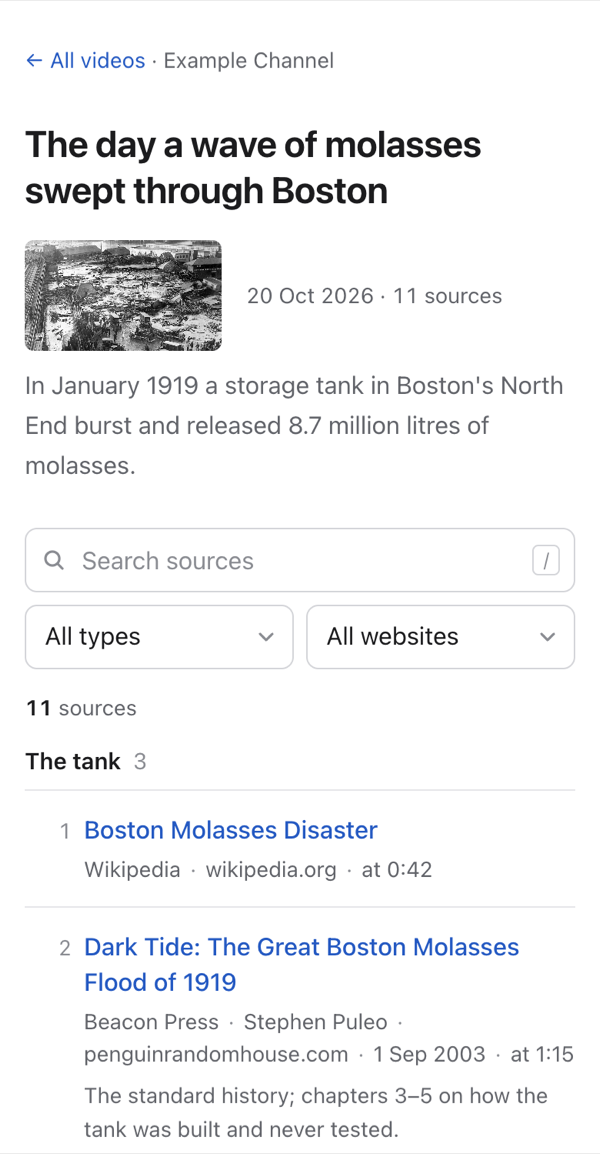
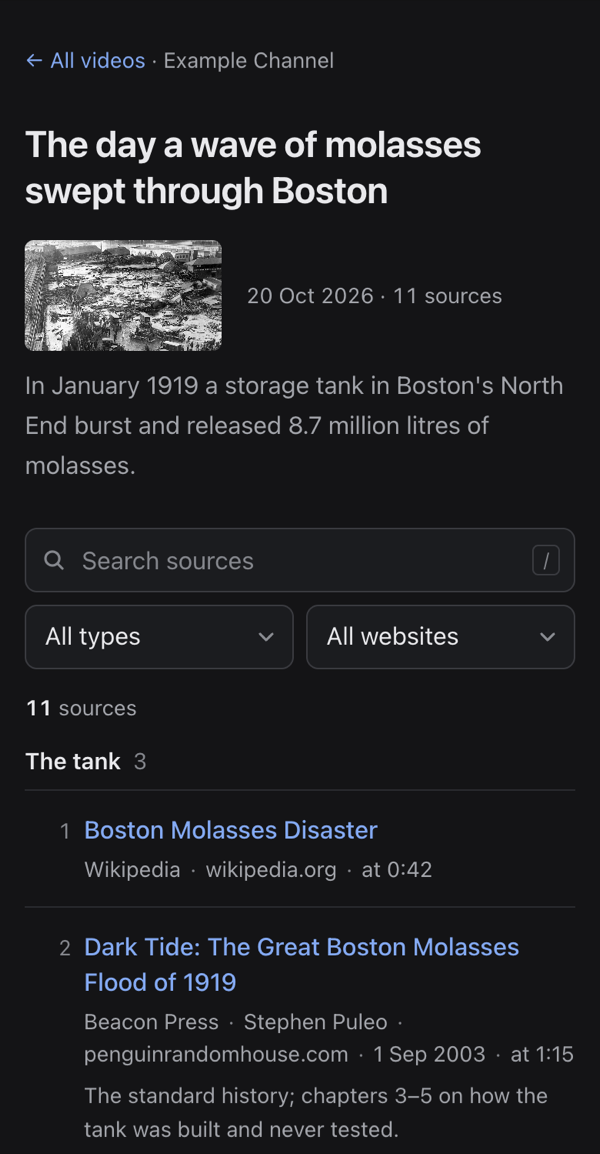
One quiet centred column, like a clean README or a well-made blog: a list of videos with small thumbnails, and each video's sources as a simple numbered list. The default; suits any channel.
Suits: everyone. Start here; switch only if one of the others fits your videos better.
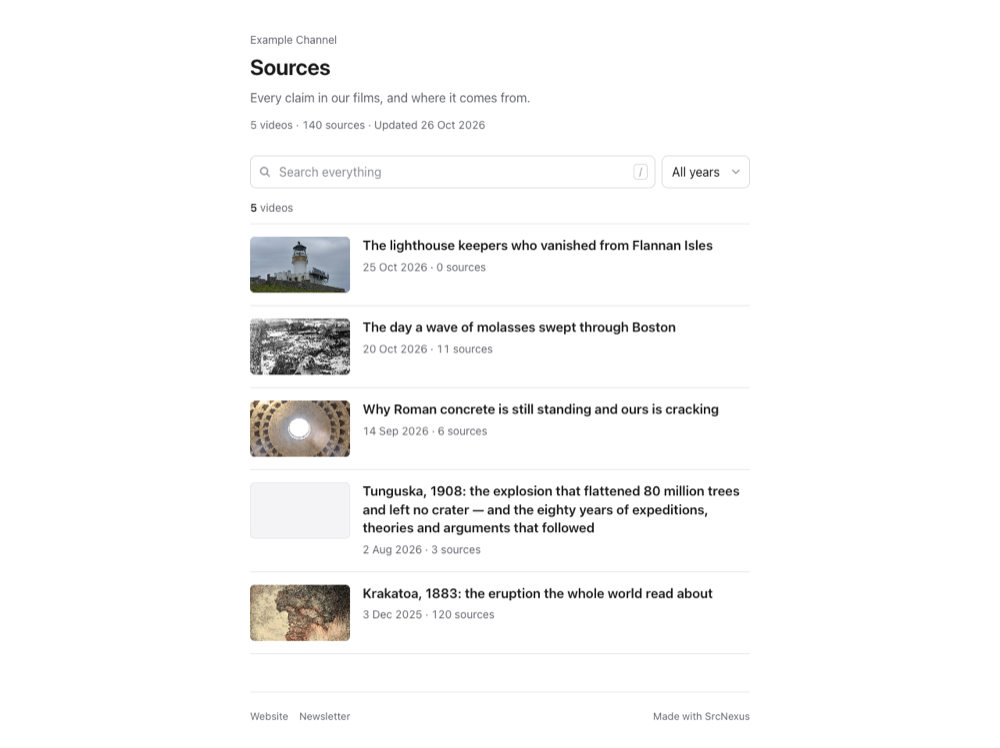
| Video page, phone, light | Video page, phone, dark |
|---|---|
 |  |
Compact
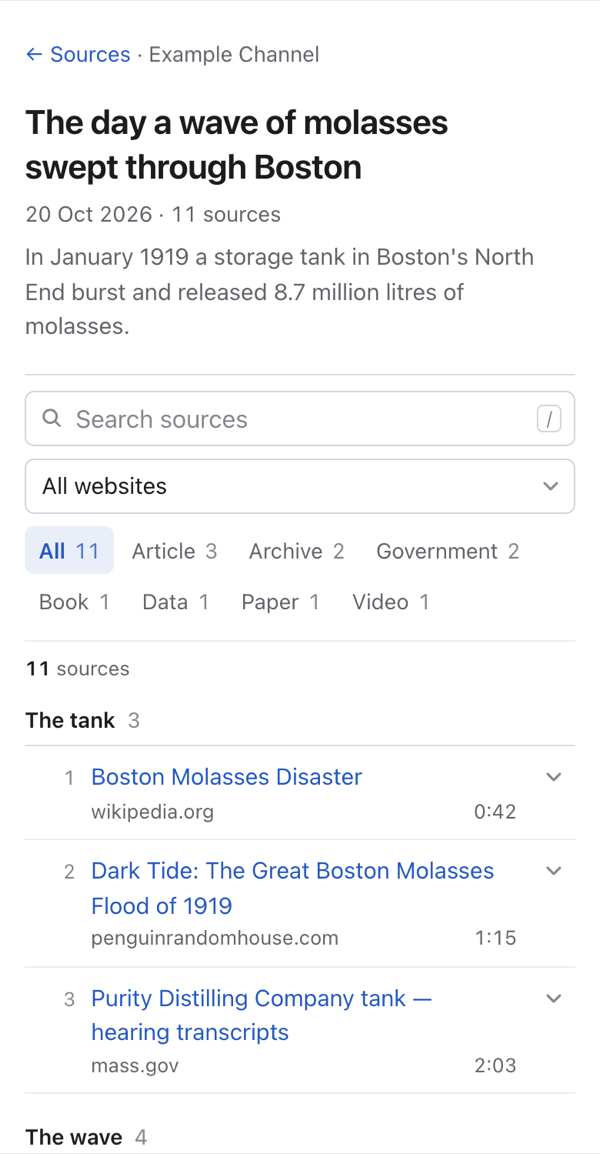
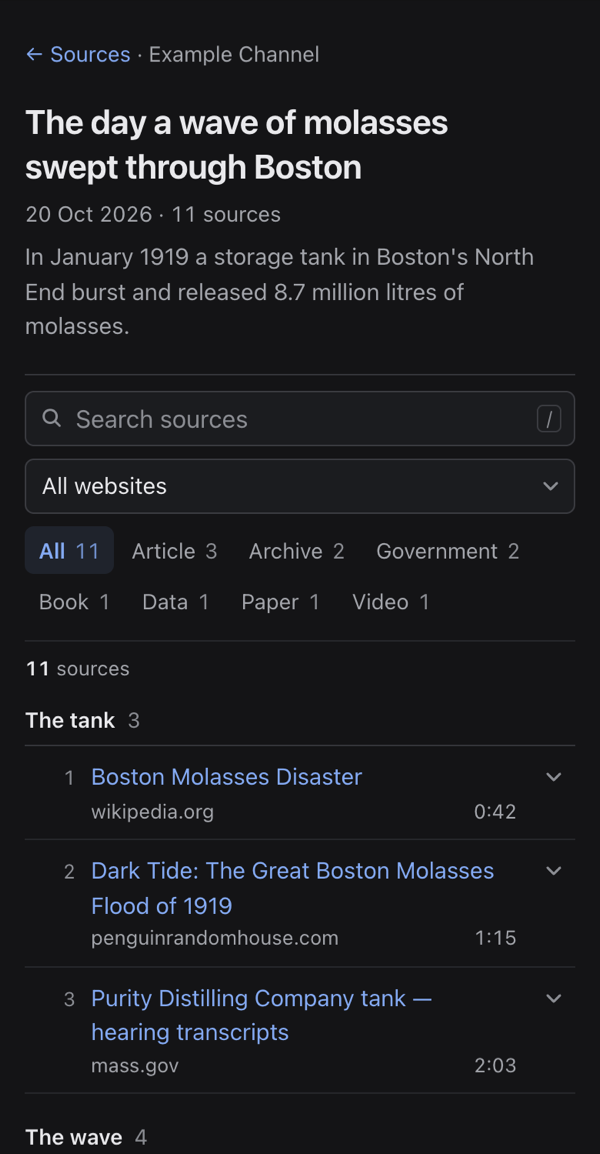
Dense and scannable, like a clean changelog: one line per source on a desktop (number, title, website, timestamp), details folded underneath. Made for videos with 50 to 200 sources.
Suits: research-heavy videos — documentaries, history, science explainers — where a long list has to stay scannable.
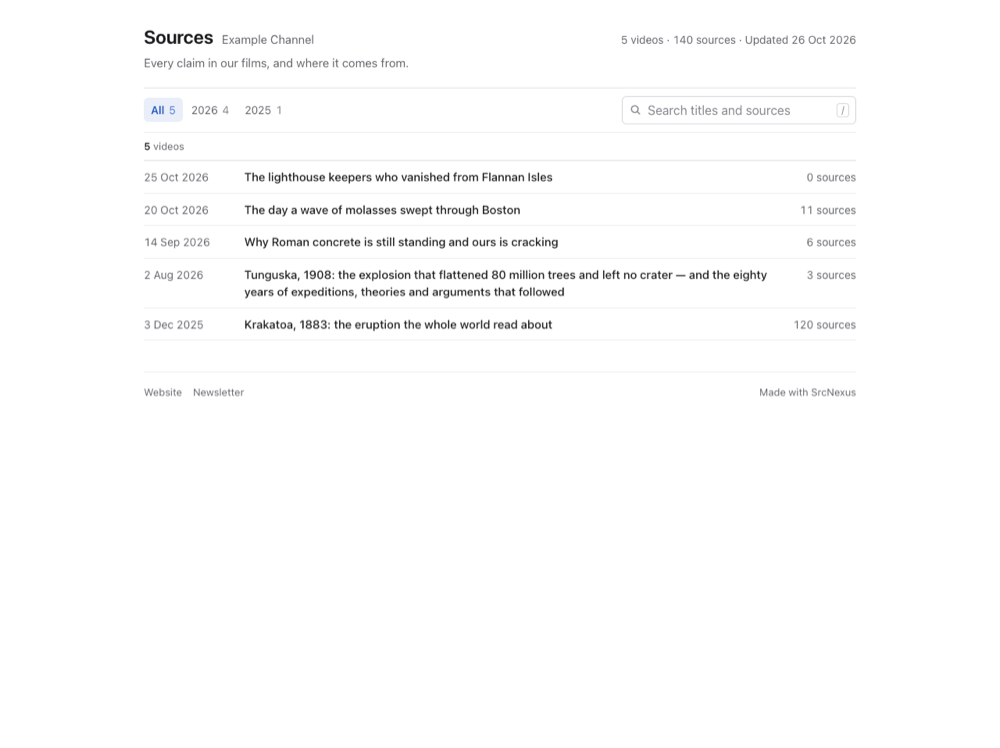
| Video page, phone, light | Video page, phone, dark |
|---|---|
 |  |
Cards
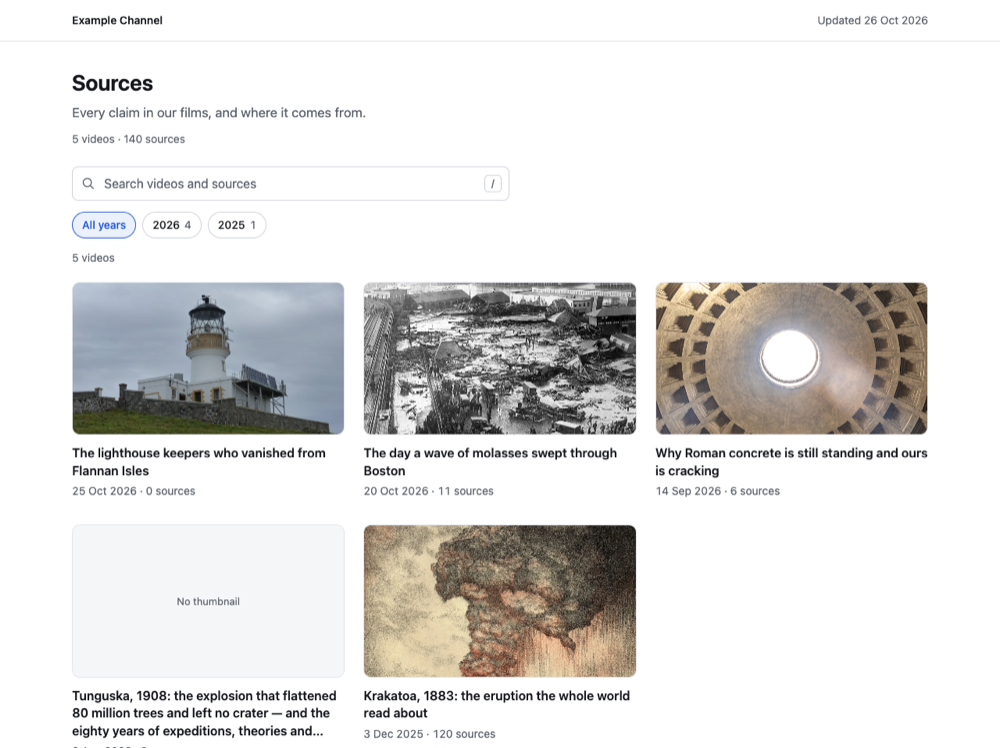
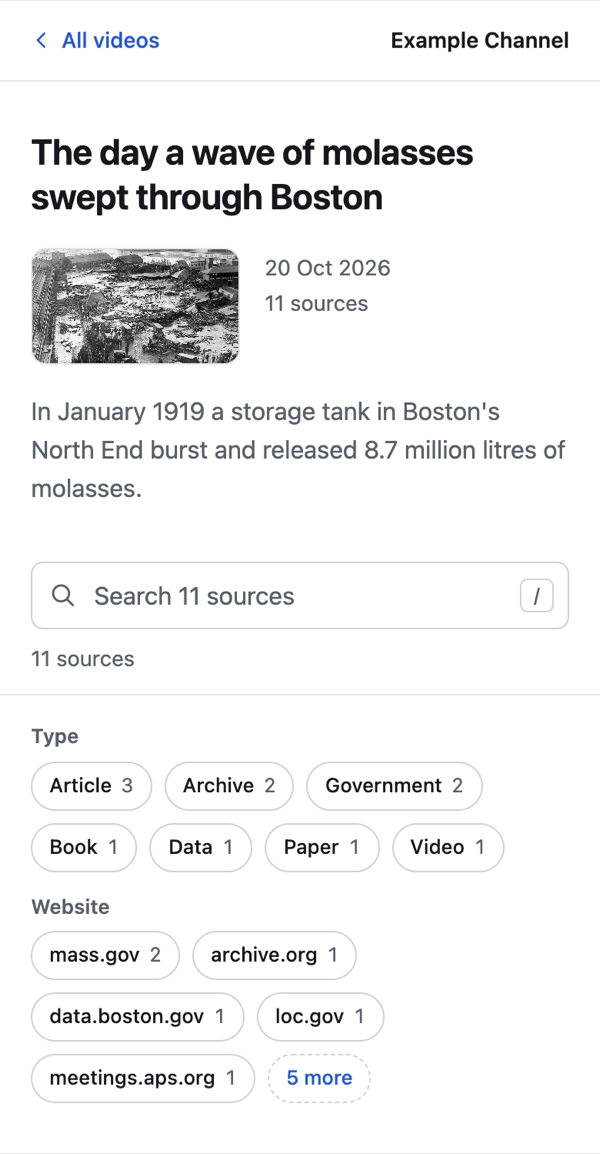
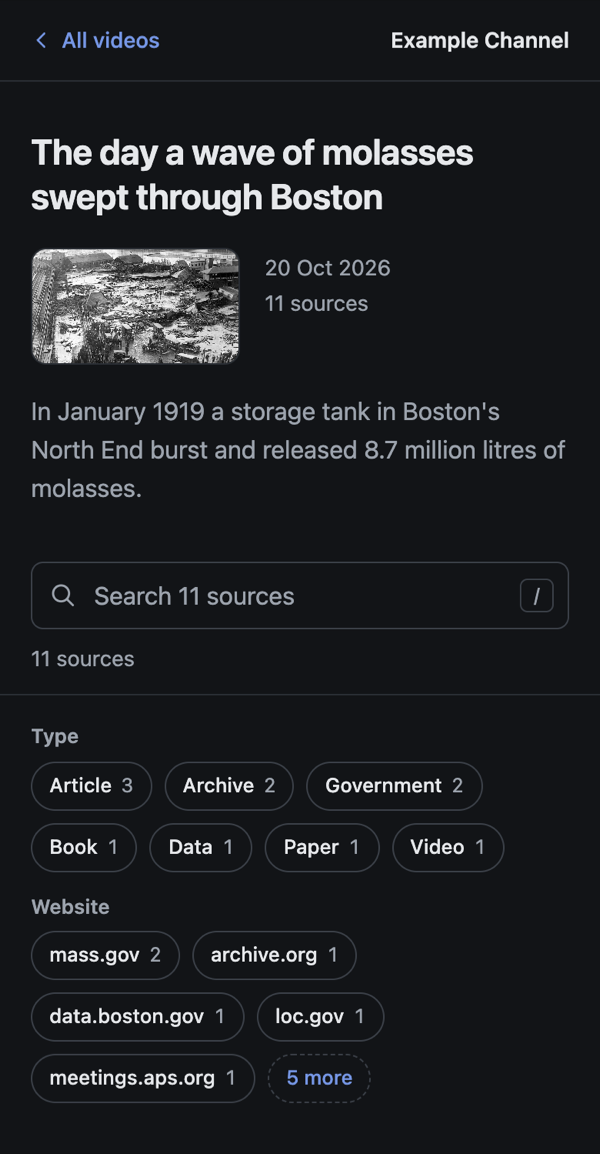
A quiet grid of video cards, like a clean channel page; each video's sources as simple light-bordered cards in one readable column. System fonts, neutral greys, one accent.
Suits: channels whose thumbnails do the talking — the index reads like your YouTube channel page.
| Video page, phone, light | Video page, phone, dark |
|---|---|
 |  |
Table
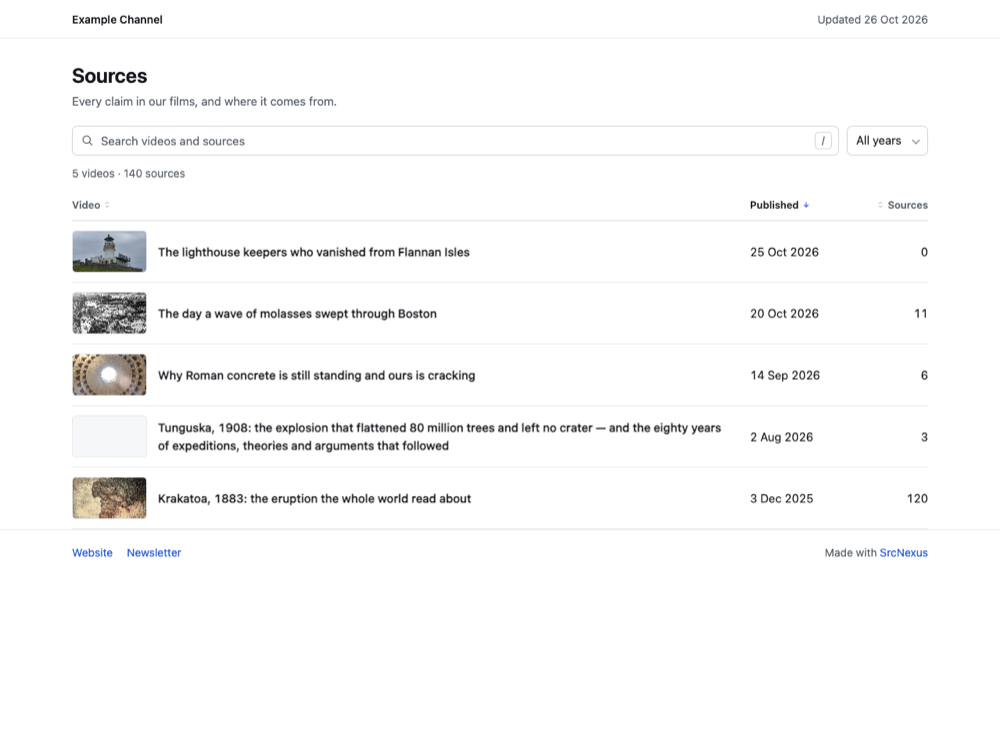
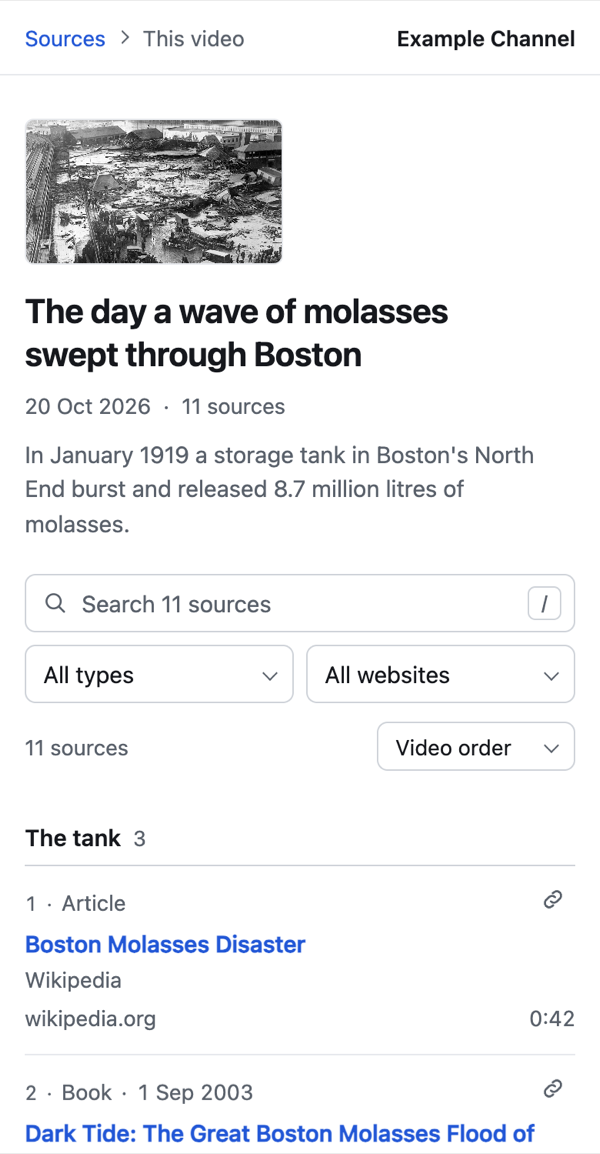
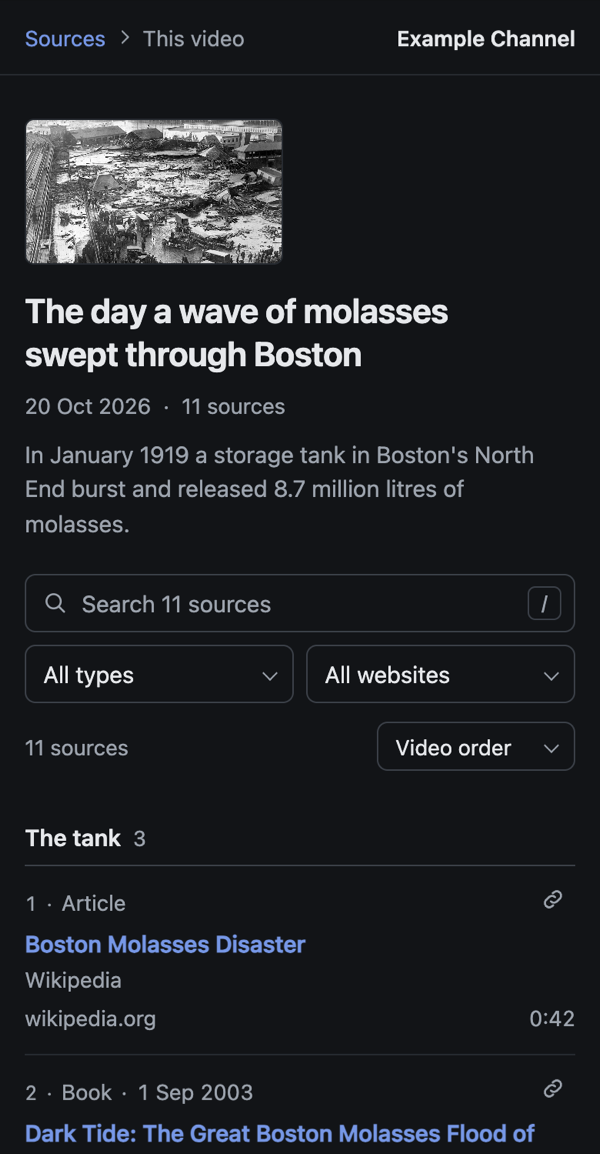
A clean, sortable data table: every source in one row with its type, website, date and moment in the video; rows stack into compact blocks on phones. System fonts, thin lines, one accent.
Suits: viewers who want to sort — by date published, by type, or by where in the video a source is used. The sort is kept in the link too.
| Video page, phone, light | Video page, phone, dark |
|---|---|
 |  |
Sidebar
A quiet documentation-site layout: every video in a searchable left sidebar with the kind and website filters, the sources in the main column. Collapses to an "All videos" menu on phones. System fonts, neutral greys, one accent.
Suits: channels with many videos, where viewers move from one video's sources to another's.
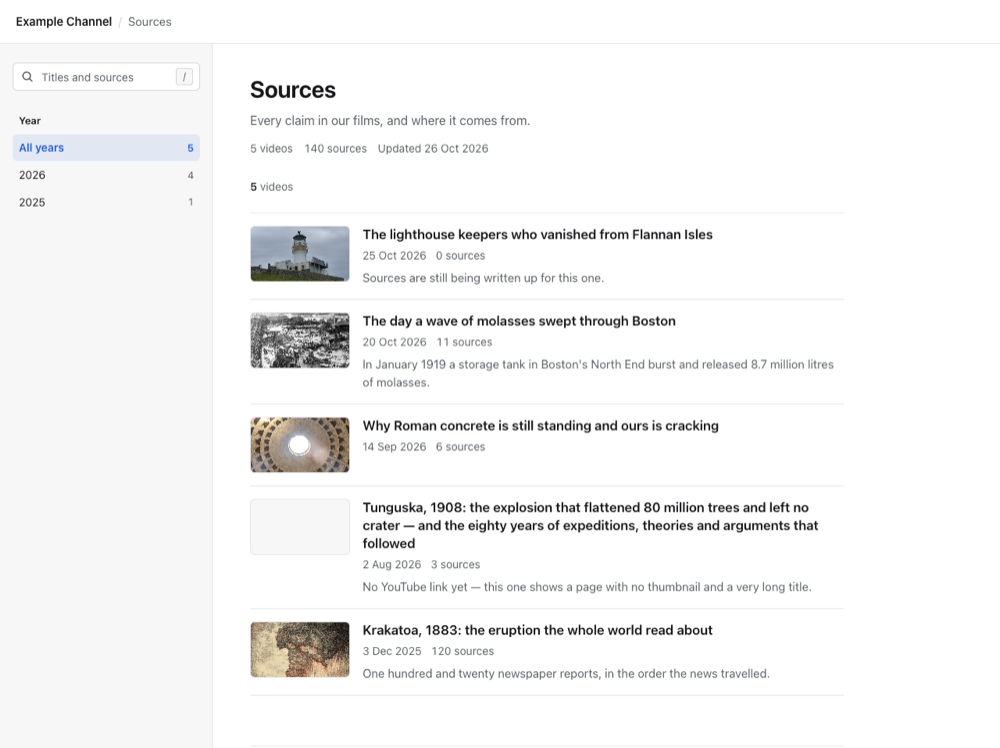
| Video page, phone, light | Video page, phone, dark |
|---|---|
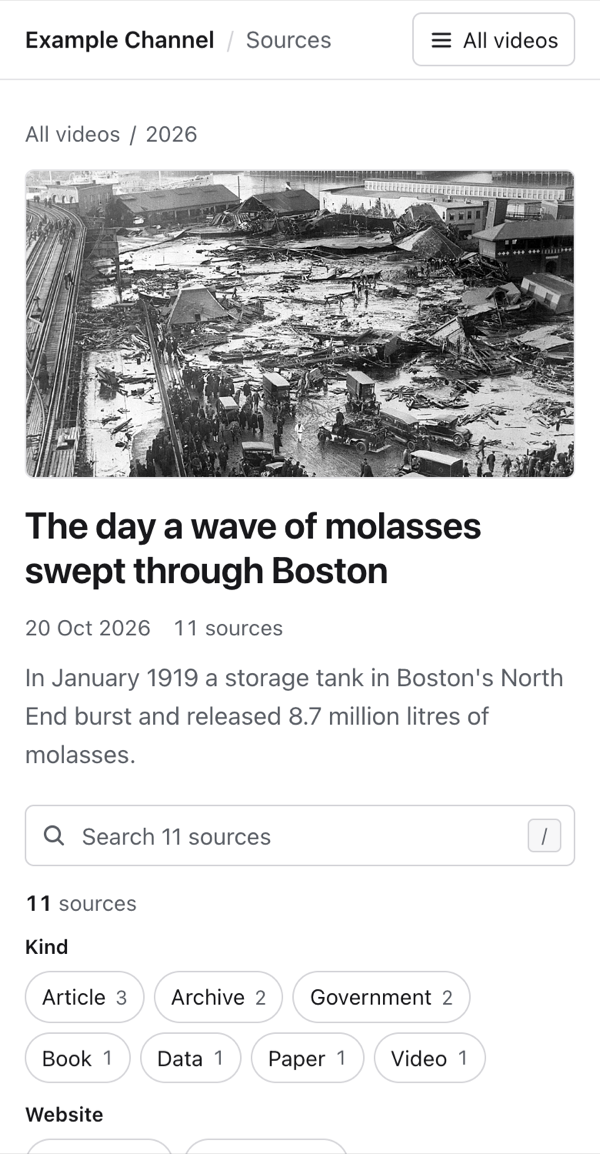 | 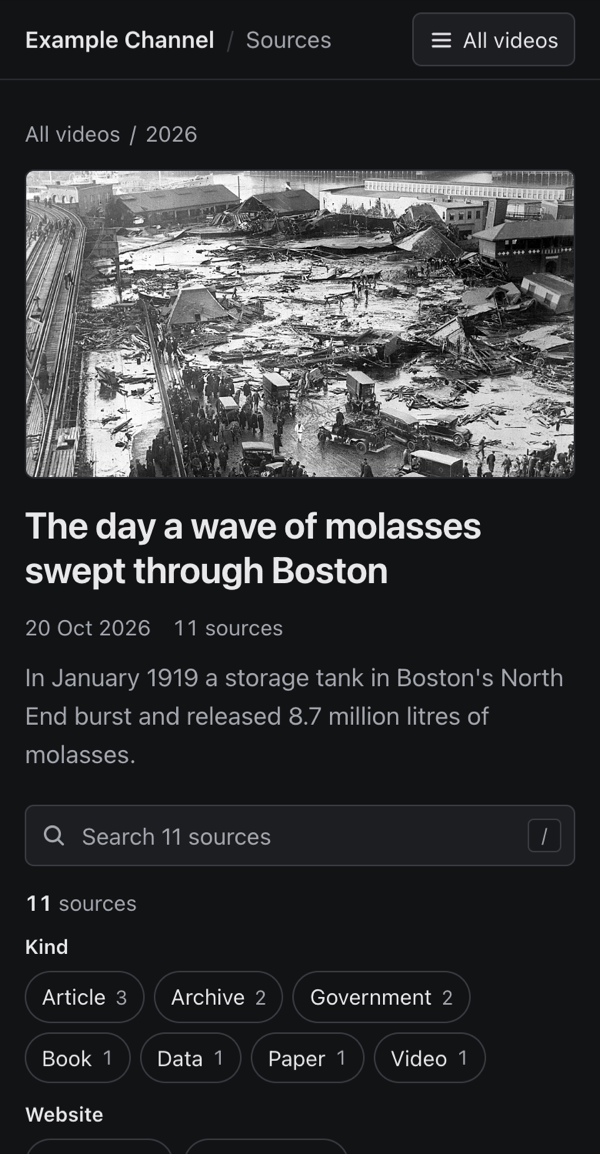 |
Document
A quiet reading page: one narrow centred column, the video's description as the opening paragraph, sections as headings and sources as a numbered reference list. Search and filters sit in one small bar that stays out of the way until used. System fonts, neutral greys, one accent.
Suits: essay-style videos — write a real description and use sections, and the page reads like the references of an article.
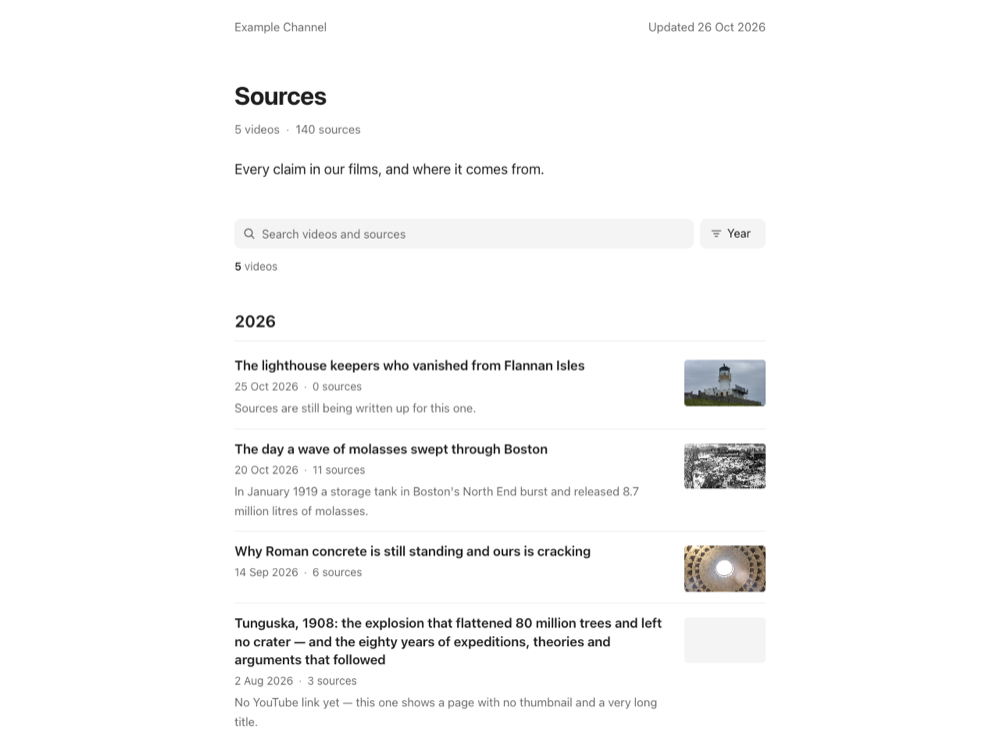
| Video page, phone, light | Video page, phone, dark |
|---|---|
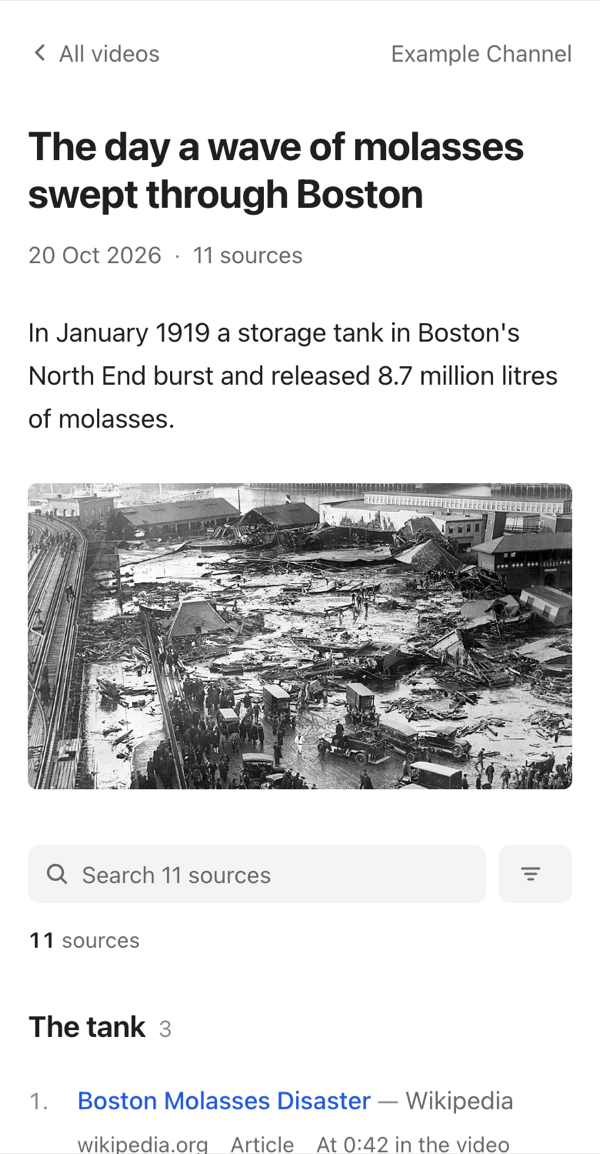 | 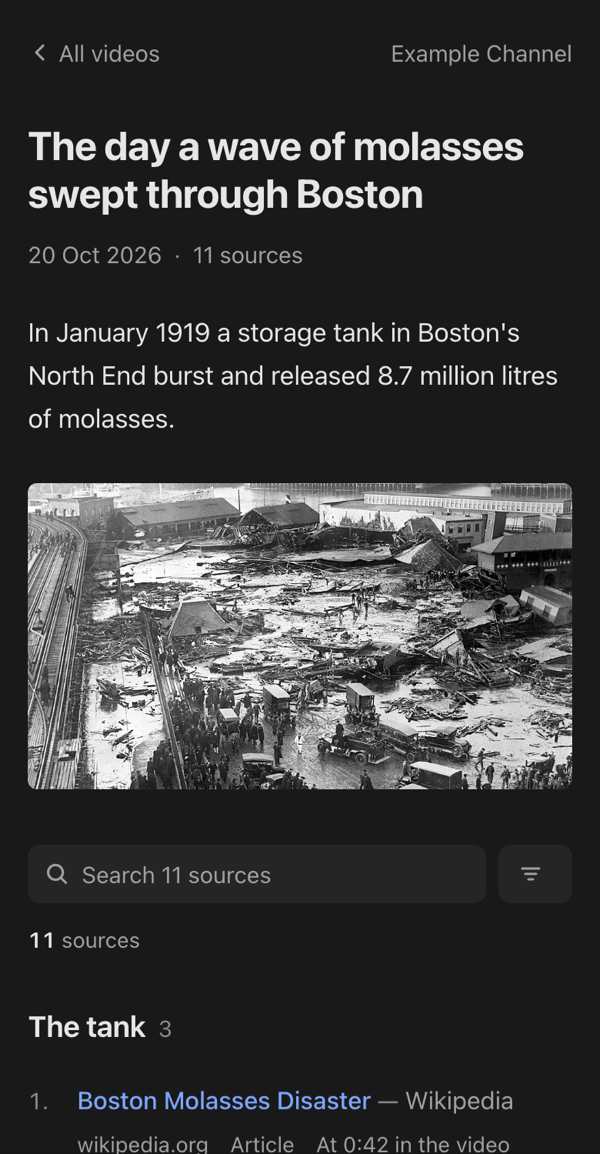 |
Your own colour
Every built-in template uses one accent colour. Set yours in srcnexus.sources.yaml:
accent: "#e4572e"
For more than that, make your own template — start from any of these with srcnexus sources eject <id> ./my-template.